

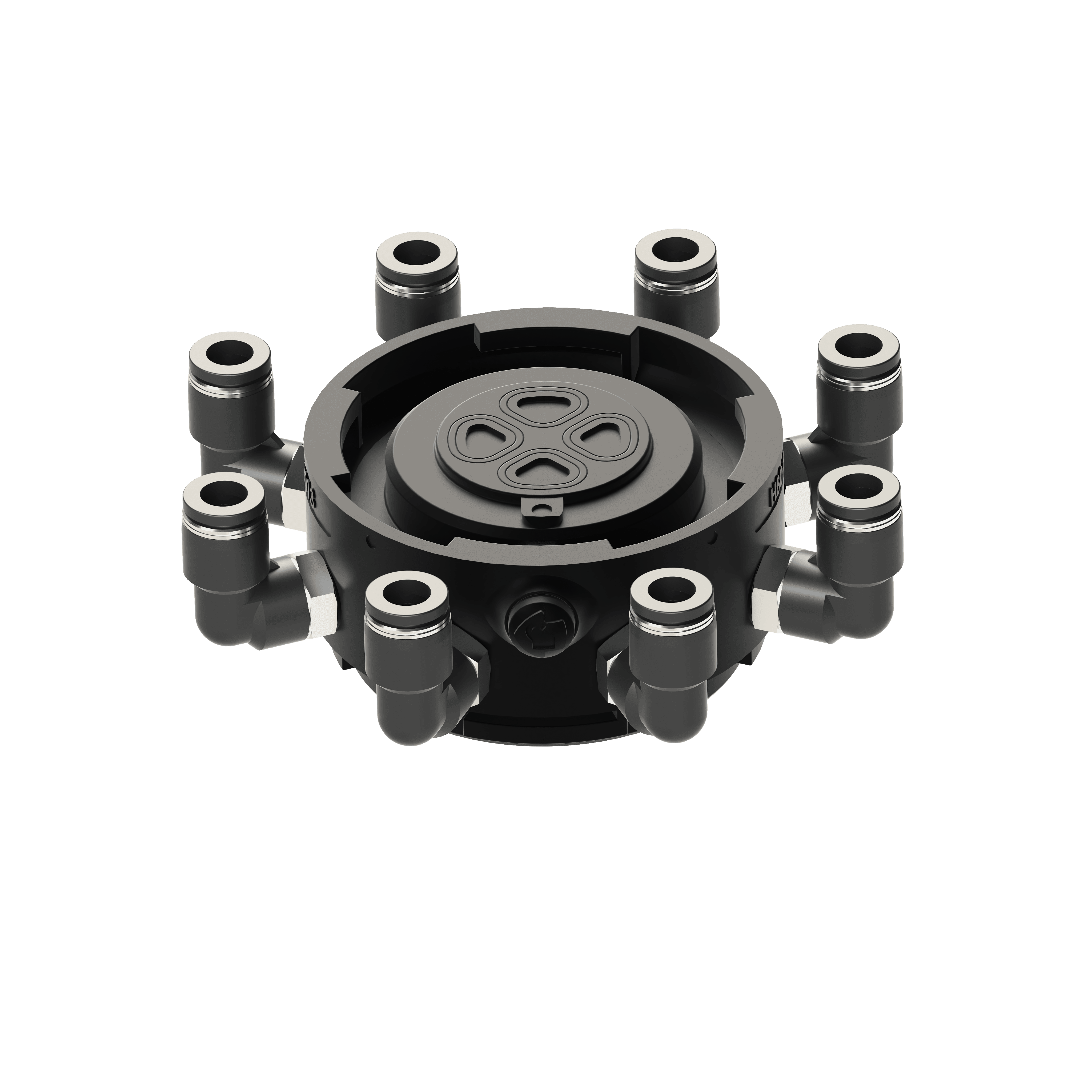

Distribute vacuum to multiple outputs
Hubs distribute vacuum from one Active Dock to multiple passive Dock-and-Pod combinations. They are used when a Click layout needs several vacuum outputs from one source, making them useful for multi-Pod gripper configurations.
Key Features
Distributes vacuum from one Active Dock to multiple outputs.
Enables multi-Pod vaQgrip Click configurations.
Available with 1, 2, 4, or 8 outputs.
Uses tube connections for branching vacuum paths.


Design and visualize your custom vacuum gripping setup with the vaQgrip Click Configurator.



Hubs are used when one Dock needs to supply vacuum to more than one picking area. Instead of building a separate vacuum source for every Pod, a Hub distributes vacuum from one Active Dock into multiple passive branches.
This makes Hubs useful for multi-Pod layouts, wider product footprints, or grippers where the cup positions need to be spread across several areas. The Hub becomes the distribution point between the vacuum source and the passive Dock-and-Pod combinations in the layout.
Choose the Hub based on how many vacuum outputs the layout needs. A smaller number of outputs keeps the configuration simpler, while 4 or 8 outputs gives more branches for distributed cup positions.
The second choice is tube diameter. Hub options include 1, 2, 4, or 8 outputs, with tube connections from 4 mm to 12 mm, depending on the configuration. The Hub should match the vacuum distribution needs of the layout and the passive branches it will supply.
