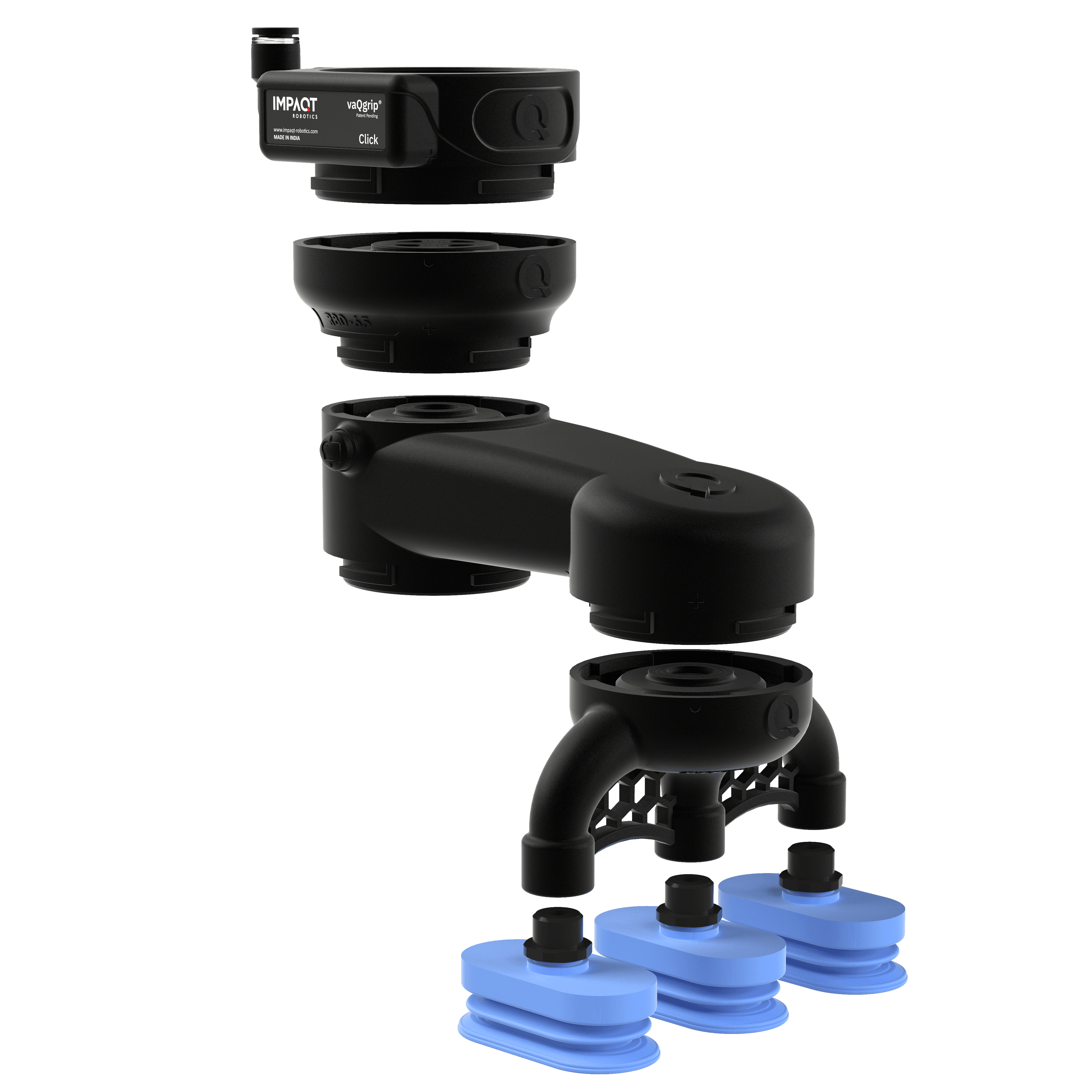
Bridge Click frame sizes
Reducers connect different Click frame sizes in one setup. They make it possible to step from one payload class to another, so a larger Dock or structural component can connect with smaller, more compact tooling.
Key Features
Bridges different Click frame sizes.
Connects larger Docks to smaller tooling.
Supports mixed-frame Click configurations.
Available for Frame 80 to 65 and Frame 120 to 80 transitions.


Design and visualize your custom vacuum gripping setup with the vaQgrip Click Configurator.
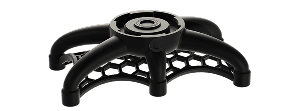

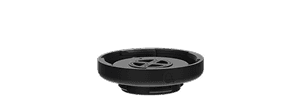


Reducers are used when a Click layout needs to move from one frame size to another. Since frame size is tied to payload class, a Reducer lets a larger frame connect into smaller tooling without forcing the whole gripper to stay in one size.
This is useful when the Dock or main structure needs one payload class, but the cup layout benefits from a smaller frame. The Reducer keeps the gripper inside the Click architecture while allowing different frame sizes to work together in the same setup.
Choose the Reducer based on the frame sizes you need to connect. One option connects Frame 80 to Frame 65, moving from the 10 kg class to the 5 kg class. The other connects Frame 120 to Frame 80, moving from the 25 kg class to the 10 kg class.
Use a Reducer when the layout needs the strength or vacuum capacity of a larger Dock, but the final tooling should remain more compact around the product. This keeps the setup flexible without replacing the full Click layout.